A set of deliberate interface adjustments that make Rhino’s dark workspace feel more unified, quiet, and focused.
Updated July 19, 2026 · Rhino 8 for Windows
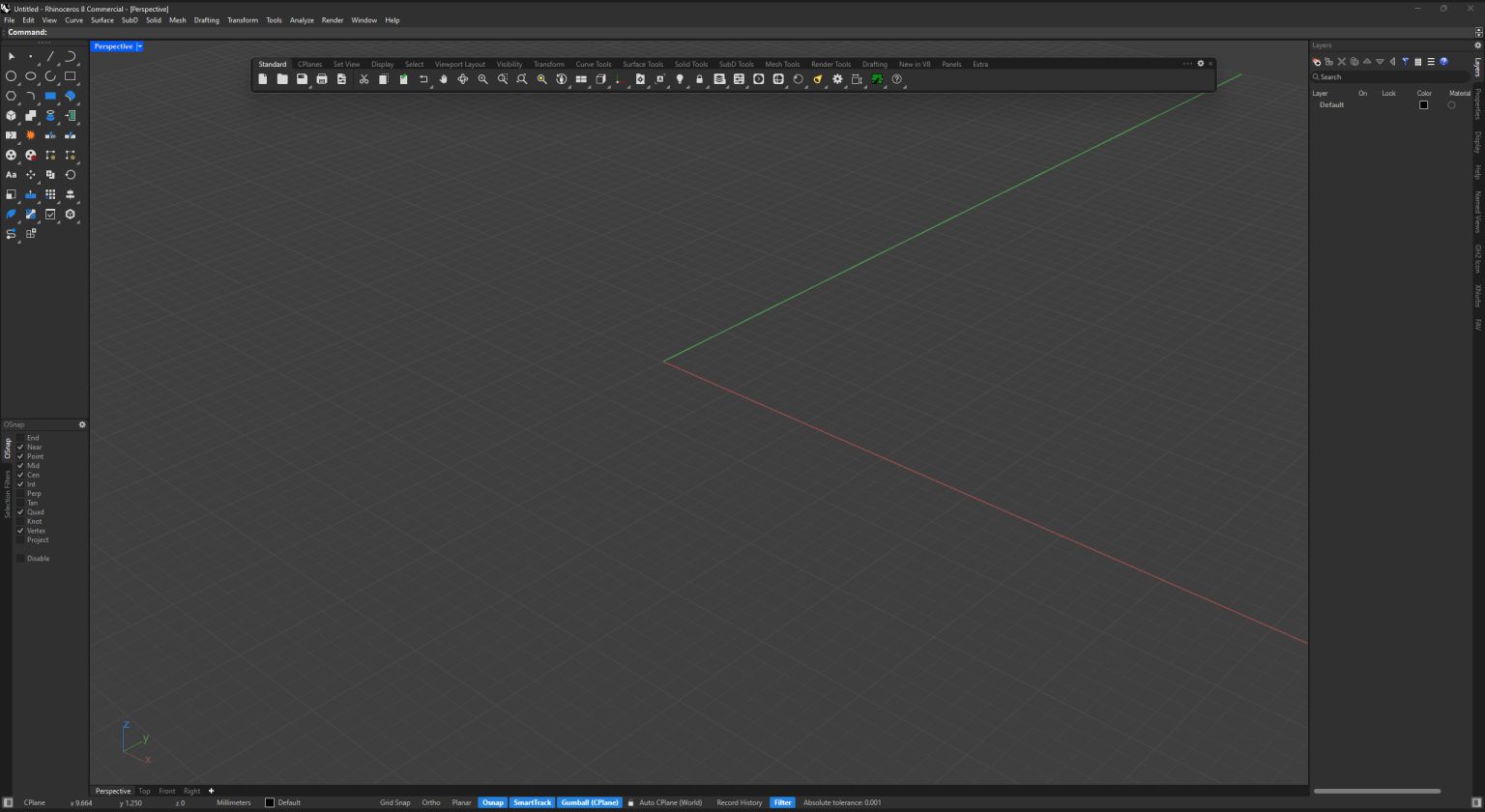

The complete RhinoUI dark mode in a working Rhino 8 workspace.
A cohesive system, not a darker coat of paint.
The refined dark mode reduces unnecessary borders and dividers, aligns interaction states, and brings panels and viewport controls into the same visual language as the new icon scheme.


Window controls — quieter borders and adjusted buttons.Layer panel — fewer dividers and less persistent information.
Details that stay out of the way.

Viewport tabs — reduced borders for a cleaner transition.Hover states — a controlled highlight that can be adjusted.
Included with Pro. The Basic package contains the full icon scheme. Pro adds this revised dark-mode scheme. Final package details and pricing are shown on Gumroad.