Rhino 8 / Windows
A complete custom interface for Rhino 8.
Custom toolbar icons, a refined dark interface and a safe installer—designed together as one complete Rhino 8 workspace.
- No XML editing
- Automatic snapshot
- Restore anytime
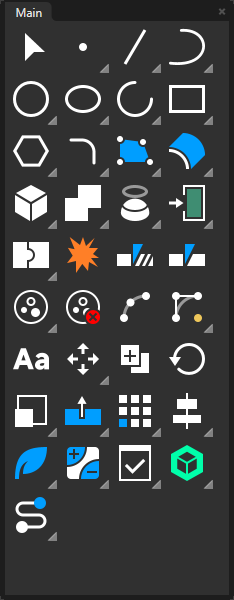

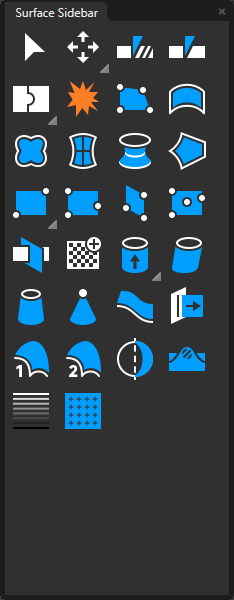
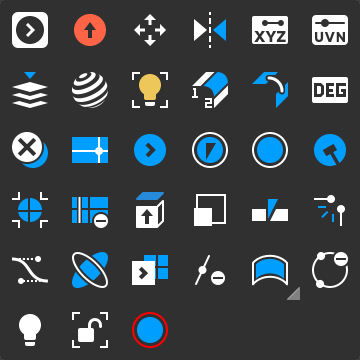
Rhino 8 custom toolbar icons
One interface. Different visual families.
Modeling, SubD, surfaces, rendering and visibility each have their own visual character—while still feeling like one complete Rhino workspace.

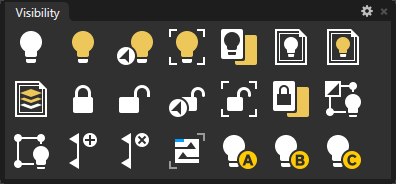
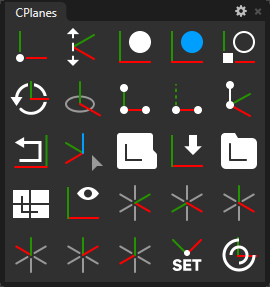
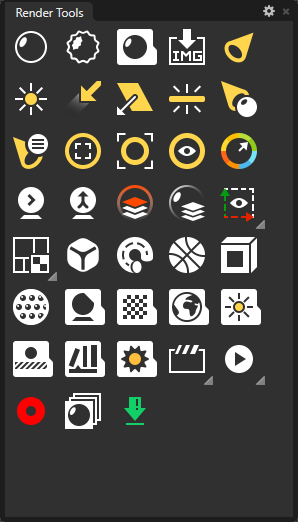
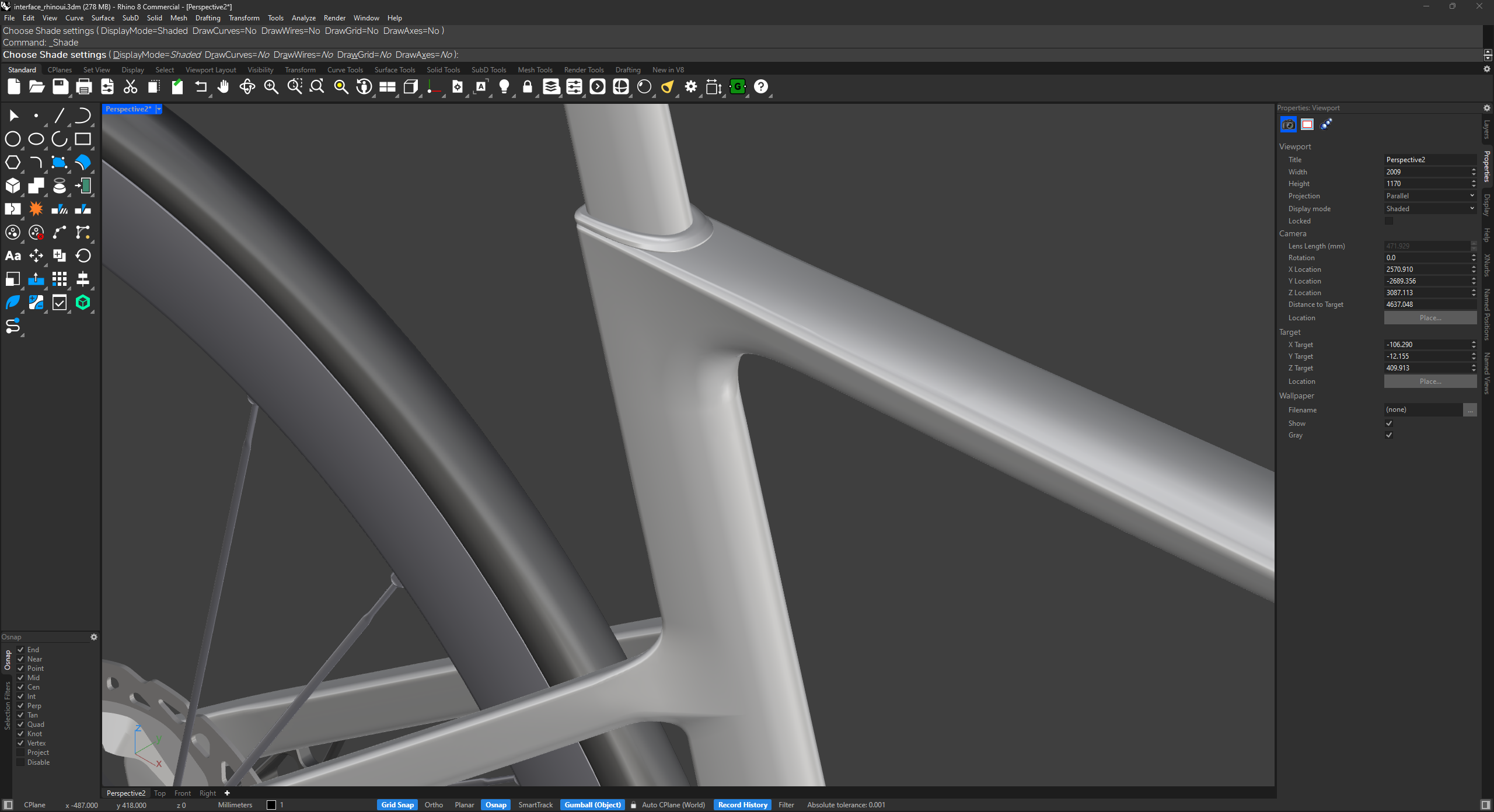
The complete workspace
More than an icon pack.
Toolbars, panels, borders, selected states and viewport colors share one visual character across Rhino 8.
Custom toolbar iconsOne consistent command language
Refined interface colorsPanels and viewport designed together
Your workflow preservedShortcuts and workspace behavior stay yours
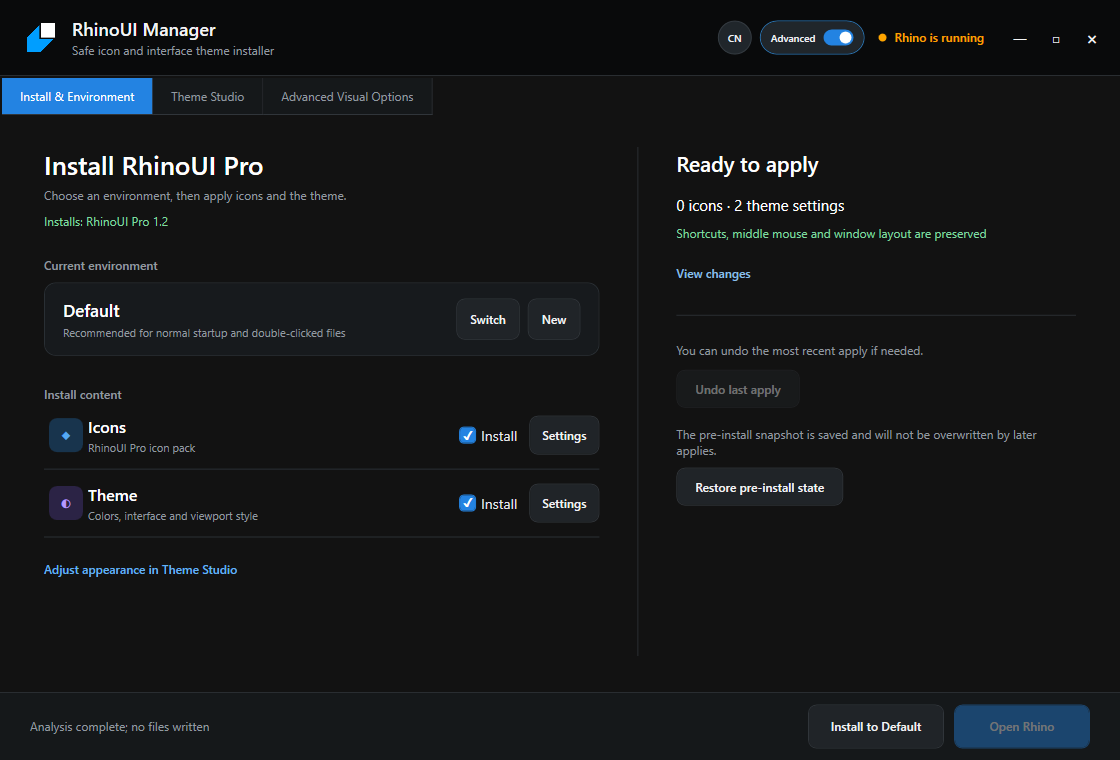
RhinoUI Manager
Change the interface, safely.
The included manager reviews what will change and creates a recovery point before anything is applied.
- Install without editing XML files
- Preview icons and theme settings
- Preserve shortcuts and window layout
- Restore the pre-install state when needed
Free companion tool
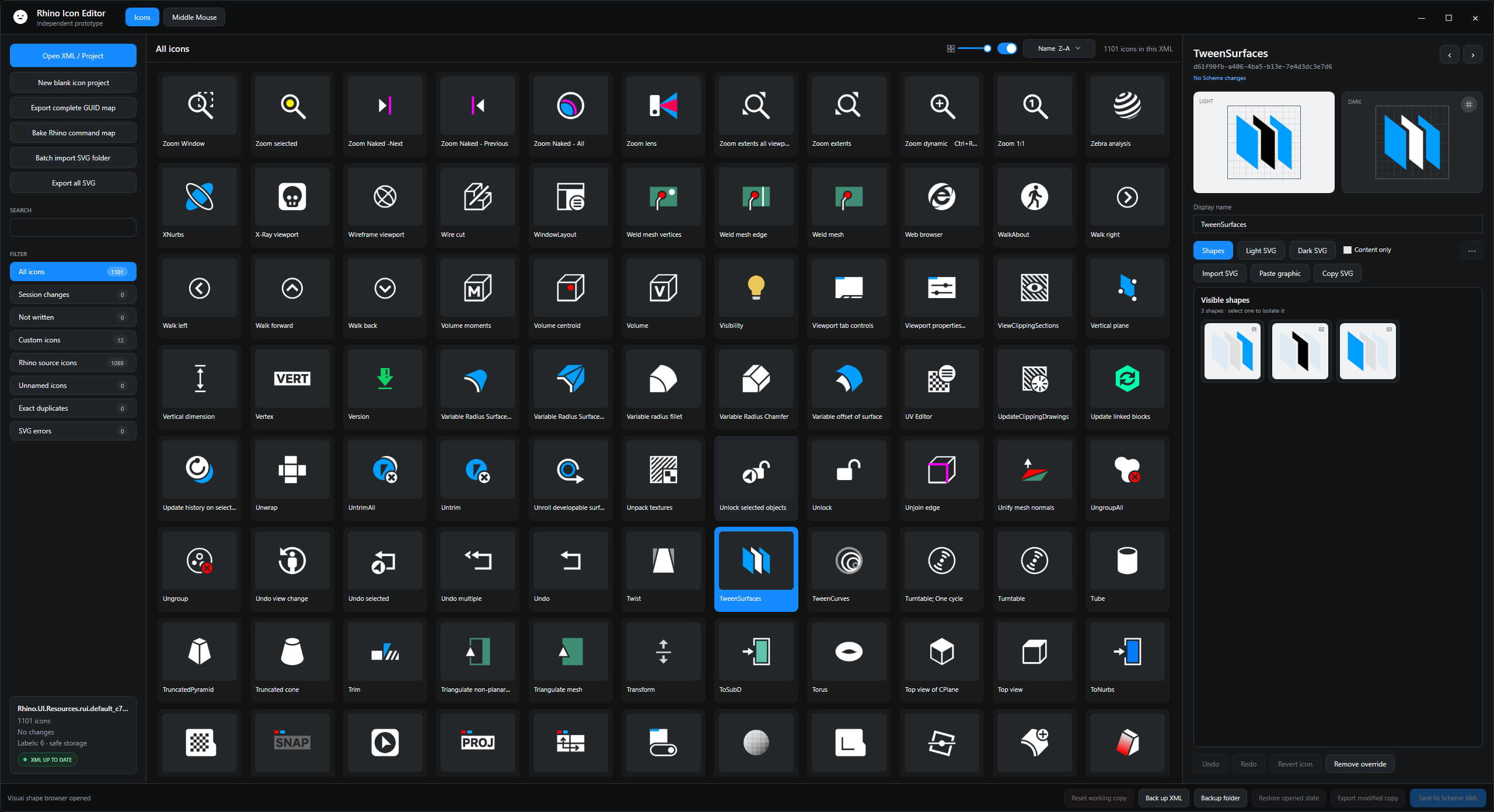
Make individual icons your own.
Rhino Icon Editor lets you search more than 1,100 Rhino 8 icons, preview Light and Dark artwork, import SVG files and safely save selected changes.
- Search by Rhino command name
- Preview Light and Dark icons together
- Replace only the icons you choose
- Back up before writing changes
Complete package
$9.99
One-time purchase
Instant Gumroad delivery
Everything needed for a different Rhino 8 interface.
- Complete custom icon system
- Full RhinoUI dark interface
- RhinoUI Manager
- Theme Studio
- Automatic snapshot and restore
- Installation and troubleshooting guides
For Rhino 8 on Windows · Personal-use license · Payment, receipt and download handled by Gumroad.
Help and documentation