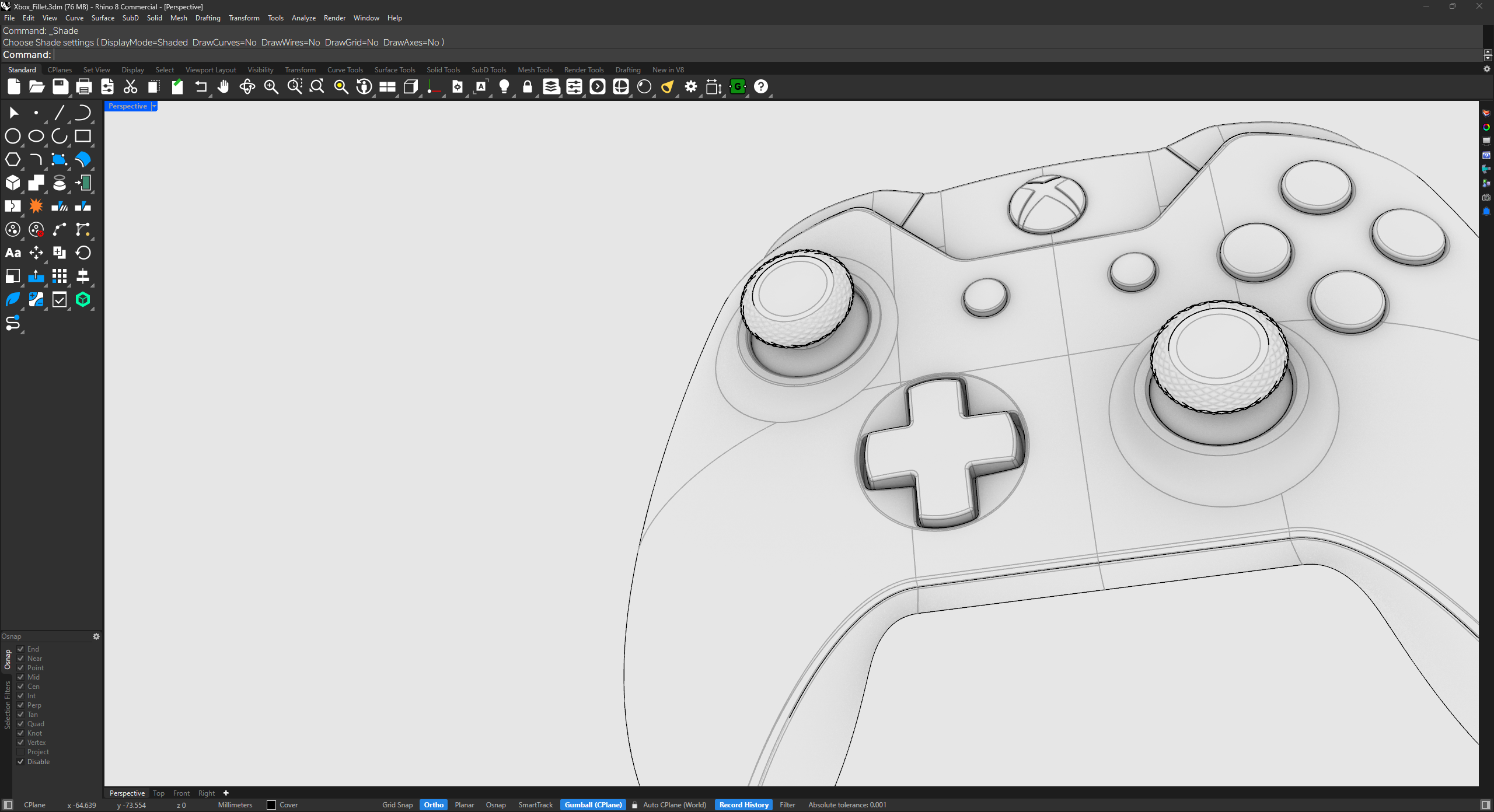

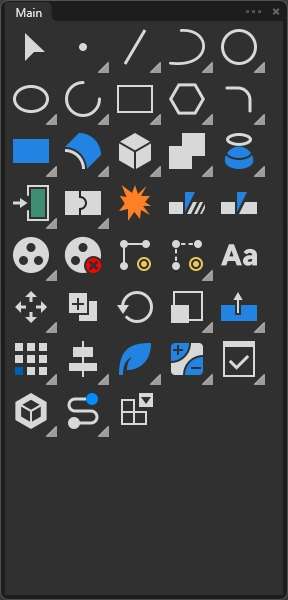
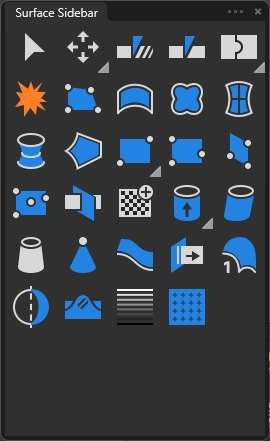
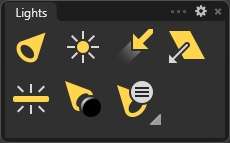
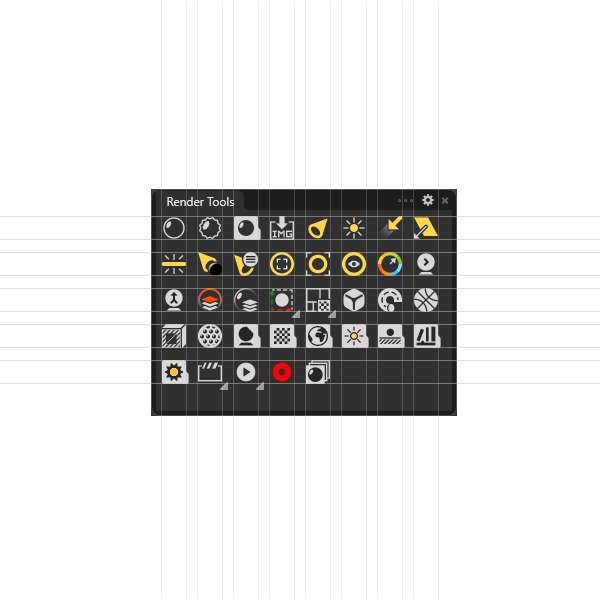
The full icon redesign while keeping your existing Rhino interface theme.
- Complete Rhino 8 icon scheme
- Color-coded command families
- XML-based installation files
- Installation and backup guidance
- Instant Gumroad delivery
Custom icons for Rhino 8 · Windows
RhinoUI replaces Rhino 8 toolbar icons with a consistent, color-coded visual language. Choose the icon pack alone, or add the refined dark interface in Pro.
Basic from $5.99Pro from $9.99Delivered by Gumroad

What’s included
The pack focuses on quick recognition at normal toolbar size. Shapes share a predictable grid and weight, while color helps distinguish command families without turning the workspace into visual noise.


Basic or Pro
Both packages use the same custom icon language. Pro adds a revised dark-mode scheme for users who want the surrounding panels and controls to feel equally cohesive.
The full icon redesign while keeping your existing Rhino interface theme.
The full icon scheme plus a quieter, more unified Rhino 8 dark interface.
The Gumroad product page shows the final price, current package version, and files included at the time of purchase.
Installation
Rhino 8 stores toolbar customizations in XML files under the active scheme. The current guide replaces the icon section instead of asking you to reset the entire interface.
Copy the Rhino 8 settings folder and export application options before editing toolbar files.
Backup guide →Use the XML-based method to import the new icon resources while leaving aliases and unrelated settings alone.
Installation guide →Restart Rhino, check the toolbars you use, and restore from backup if the result is not as expected.
Troubleshooting guide →%AppData%\McNeel\Rhinoceros\8.0\settings\Scheme__Default. See McNeel’s toolbar documentation.FAQ
The current package is presented for Rhino 8 on Windows. Do not purchase it for macOS unless the Gumroad listing explicitly adds Mac compatibility.
The current XML method is intended to replace the icon resources rather than reset the complete scheme. Because Rhino settings can vary, back up the settings folder and export options before making changes.
Some Rhino service releases may refresh toolbar resources or change how UI files are stored. If icons appear missing or incorrect, stop editing, confirm the active scheme, and follow the troubleshooting guide before reinstalling.
The paid package is offered for personal use. It may not be redistributed, repackaged, or resold. Refer to the Gumroad listing and the license summary for the applicable terms.
Payment, receipts, and automatic file delivery are handled by Gumroad. Rhino3dm.com does not process card or PayPal details directly.
RhinoUI for Rhino 8
Review the current Basic and Pro packages on Gumroad before purchasing.